
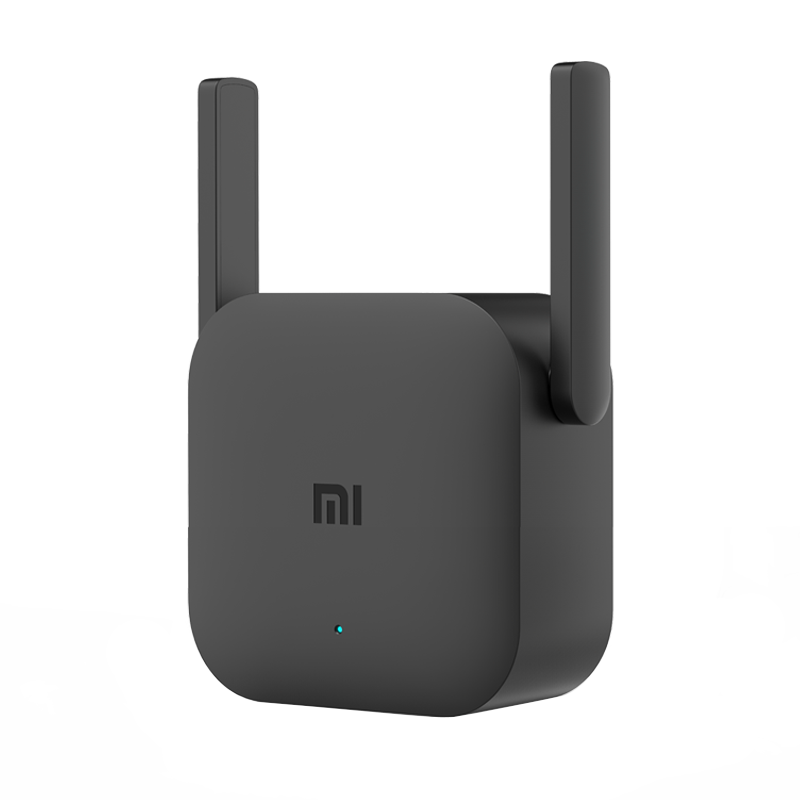
Maximize Your Home Coverage: Mi Wi-Fi Range Extender Pro
Eliminate weak signals and dead zones with the Mi Wi-Fi Range Extender Pro . Designed for apartments, multi-story homes, and small offices, this compact 2.4GHz wireless signal amplifier boosts your existing router network into hard-to-reach rooms for seamless browsing, HD streaming, and online calls.
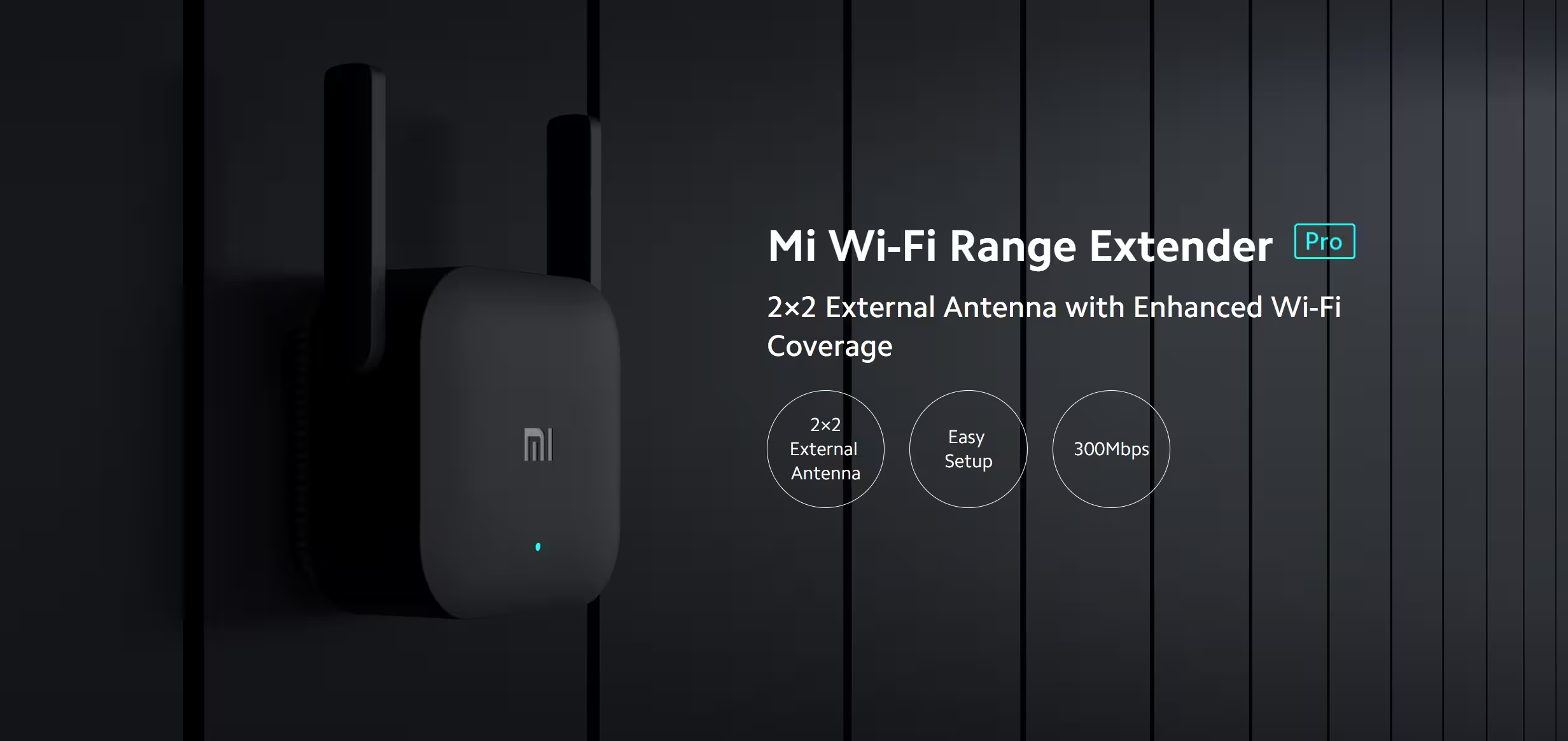
High-Performance Signal & Multi-Device Capacity
- 300Mbps Wireless Bandwidth: Powered by 802.11n Wi-Fi standards on the 2.4GHz frequency to deliver consistent, low-latency speeds across your space.
- Dual External Antennas: 2×2 external antenna design maximizes signal strength and connection stability while cutting through structural interference.
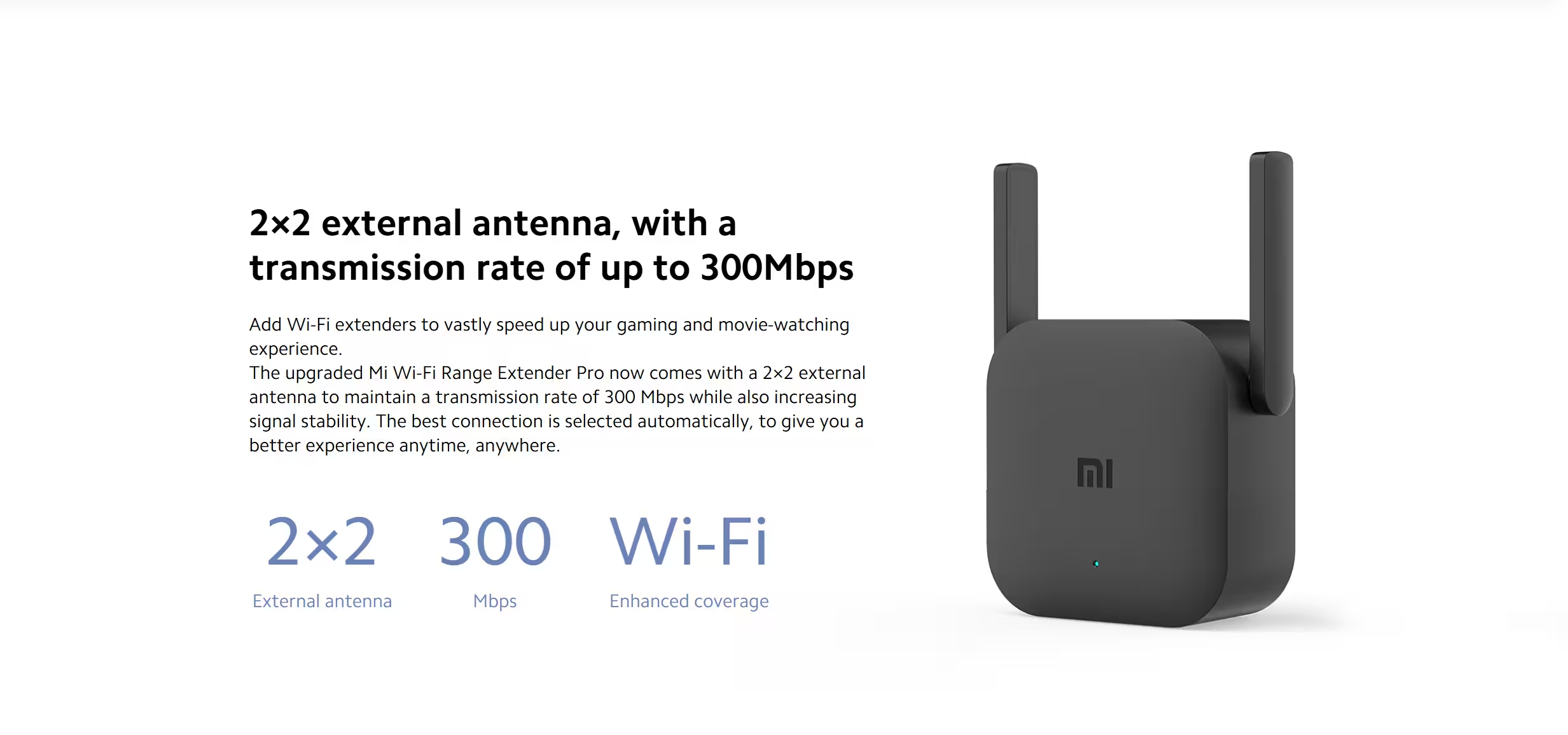
- 24-Device Capacity: Connect up to 24 devices simultaneously—including smartphones, laptops, smart TVs, and IoT home devices—without performance drop-offs.
Plug-and-Play Setup & Network Protection
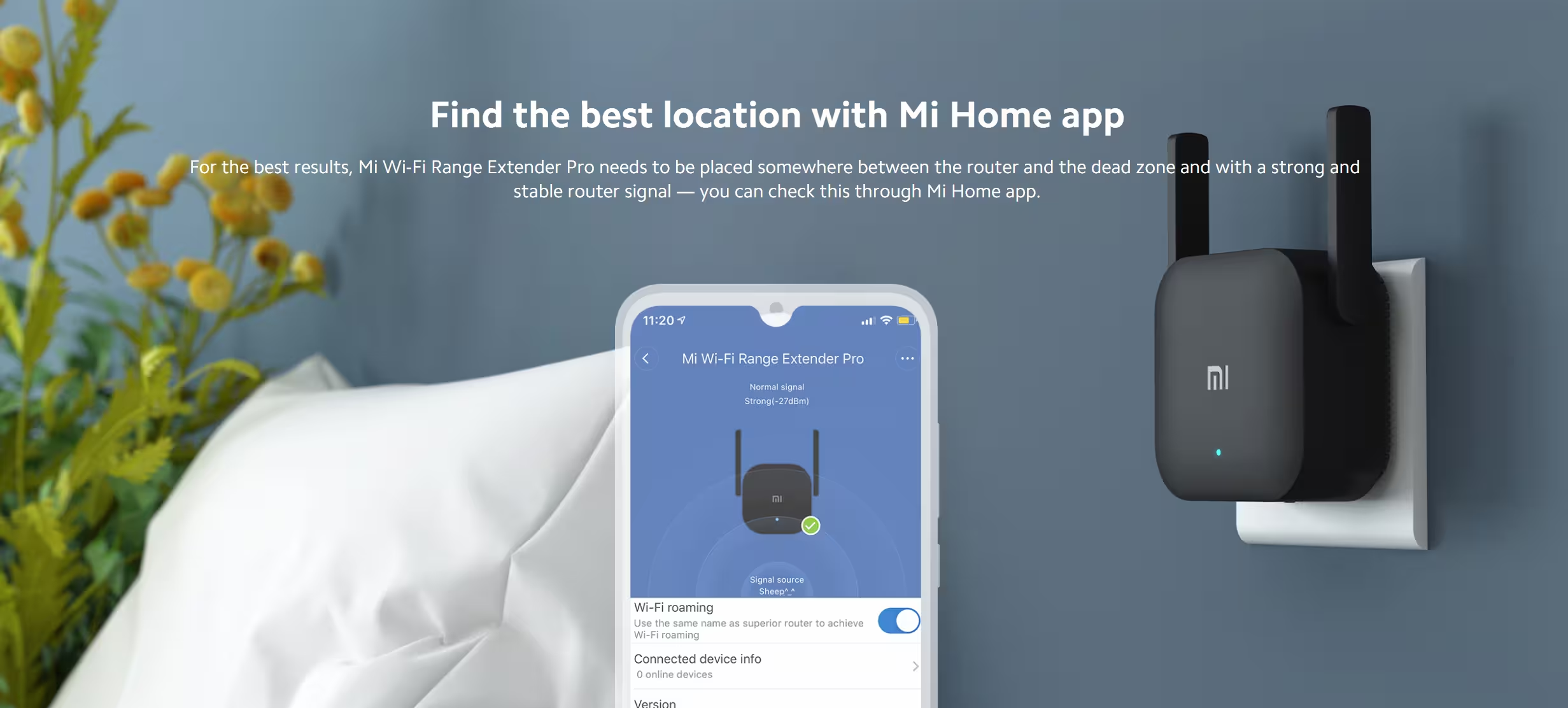
- App-Assisted Configuration: Plug in near your main router, scan the QR code to connect via the Mi Home / Xiaomi Home app, and complete setup in minutes.
- Portable Flex-Placement: Unplug and relocate the booster anywhere between your router and dead zones without re-entering credentials.
- WPA2 Network Security: Advanced WPA-PSK / WPA2-PSK encryption protocol keeps your extended wireless signal secure from unauthorized access.
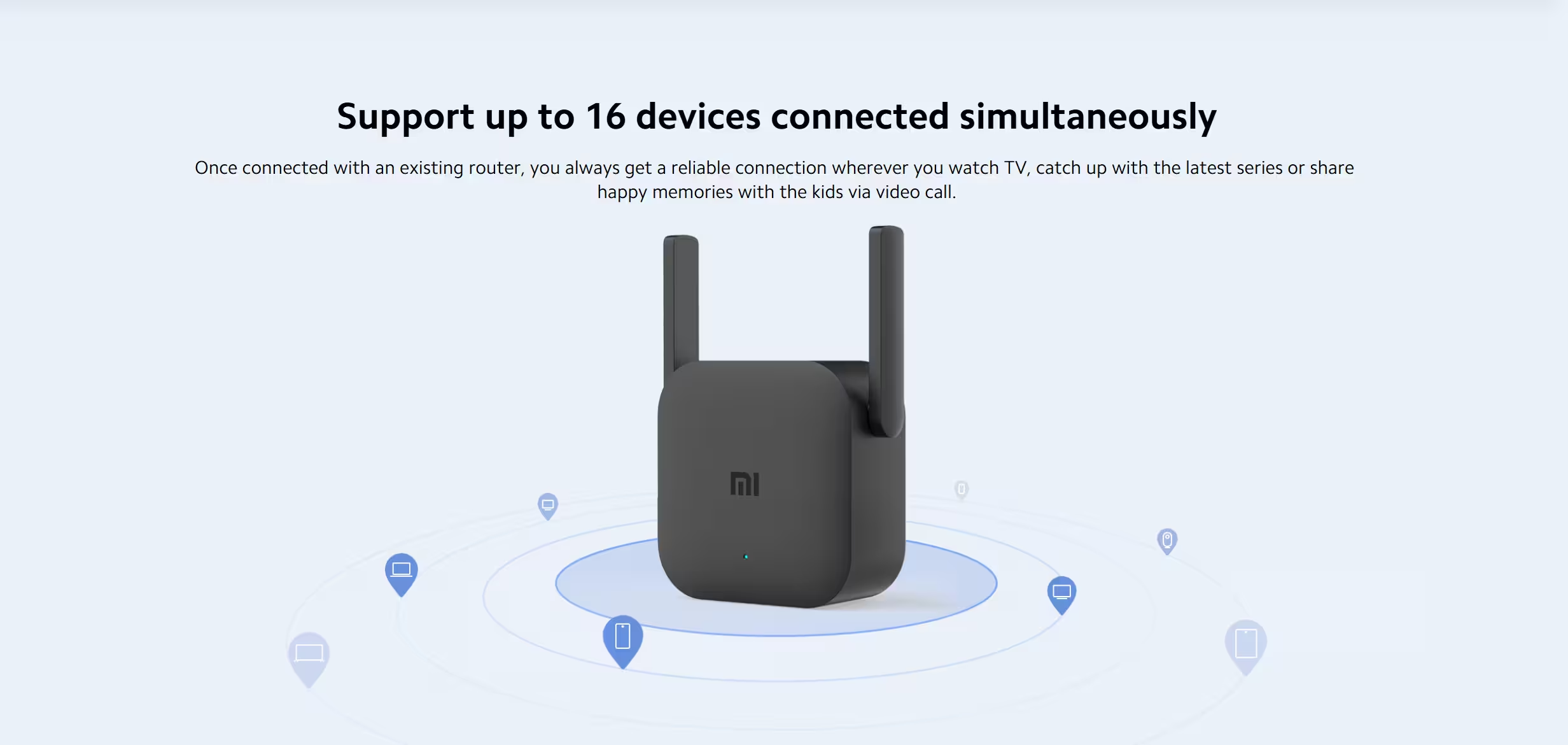
Visual LED Status Guide
- Solid Blue: Connected and operating normally.
- Flashing Blue: System update in progress.
- Solid Yellow: Powering on/booting up.
- Flashing Yellow: Factory state / ready for initial pairing.
- Flashing Red: Hardware failure detected.
Frequently Asked Questions
How do I install the MI Wi-Fi Extender Pro?
Plug the booster near your router until the yellow LED blinks. Open the Mi Home app, follow the simple pairing prompt, and wait for a solid blue LED. Once lit, move the device to your desired location.
Does the Mi Extender Pro support dual-band 5GHz Wi-Fi?
No. It operates exclusively on the 2.4GHz frequency band with maximum speeds up to 300Mbps.
How do I factory reset the signal booster?
Press and hold the dedicated RESET button for 5 seconds using a pin until the LED turns yellow to restore default factory settings.


Reviews
There are no reviews yet.